
You can now dive into the wild science fantasy world of Caves of Qud right on your Steam Deck, thanks to the Creatures of the 7th Plague update that dropped on November 15, 2023. This patch locked in full compatibility, turning the handheld into a perfect spot for exploring procedurally generated caves full of mutants and ancient tech—without any major hitches.
But if you push into those densely packed zones without tweaking your settings, you might notice some slowdowns that pull you out of the immersion. Stick around, and I’ll walk you through getting it running smooth, mapping controls that feel natural, and tapping into the new content that makes every run feel fresh.
Getting Caves of Qud Running Smooth on Steam Deck
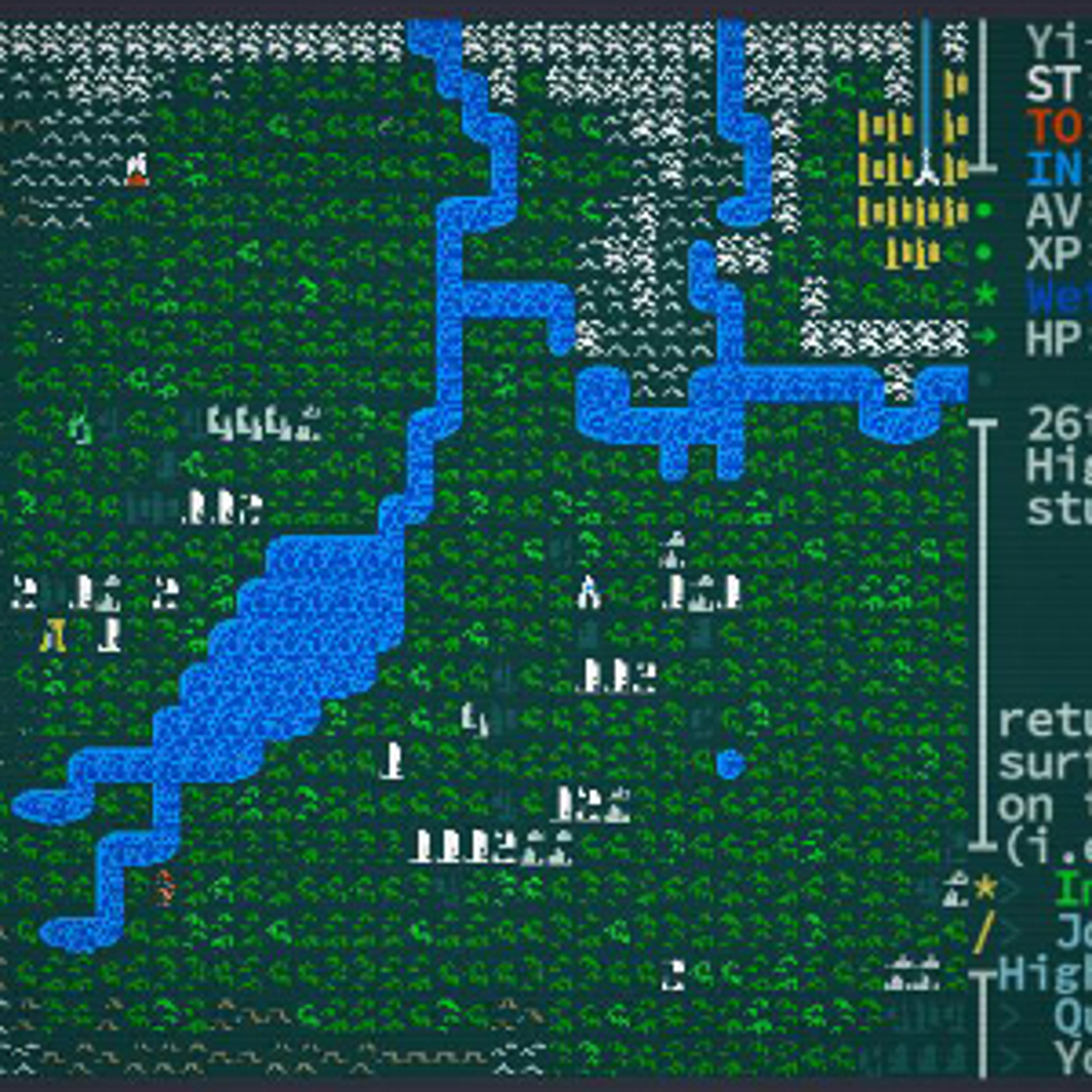
Since the update hit version 206.26, Caves of Qud earned its Playable badge on Steam Deck. The turn-based gameplay means it doesn’t demand constant processing power, so you get steady performance even during long sessions. Head to your Steam Deck settings and lock the frame rate at 30 FPS—that cuts down on any lag spikes, especially in crowded areas with tons of creatures spawning.
ProtonDB gives it a platinum rating for Linux compatibility through Proton, and tests stretching back to 2021 show it holds up great. You might spot minor UI scaling glitches if you crank the resolution too high, but dropping to the Deck’s native setup fixes that quick. Overall, it’s built for portability, letting you wander the retrofuturistic landscapes without your setup choking.
Battery life stays solid too, clocking in around 4-6 hours on medium settings—similar to other 2D roguelikes. The low graphical needs keep drain low, so you can chase quests across the map without constantly plugging in.
Mastering Controls for Caves of Qud on Steam Deck
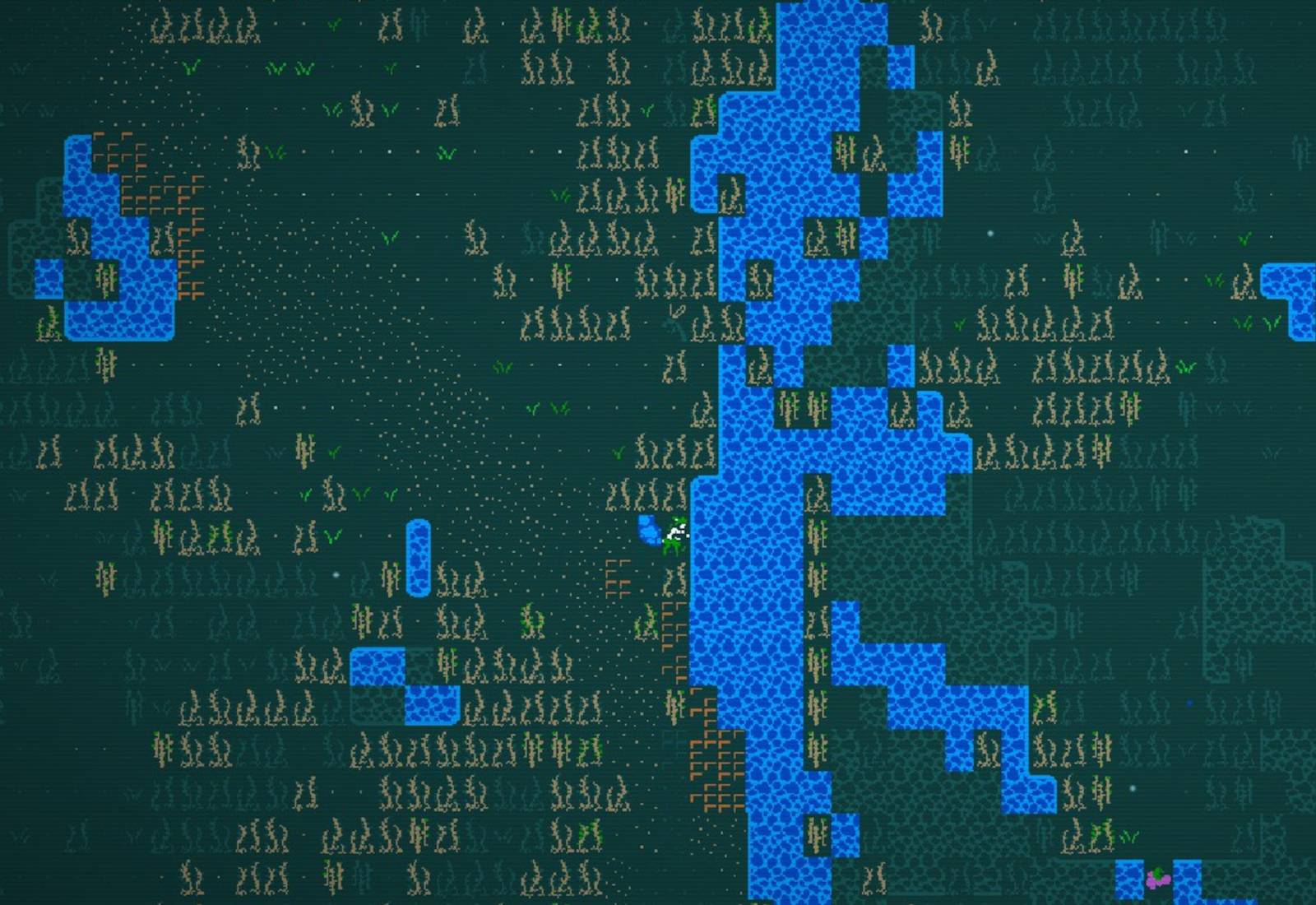
Controls in Caves of Qud on Steam Deck start intuitive but shine once you customize them. Use the left stick for moving your character around the tile-based world, and map the face buttons to basic actions like attacking or interacting. For deeper stuff, hold the left trigger (LT) and hit X to pull up the full command list—super handy for checking abilities or inventory on the fly.
Map your back buttons for efficiency: set L4 for up, R4 for down, L5 for previous ability, and R5 for next. That way, navigating menus feels quick without fumbling. Scrolling through windows? Hold LT and nudge the D-pad up or down. Zooming in or out uses LT plus D-pad left or right, keeping your view sharp during exploration.
Touch controls add flexibility—you tap to select keys or objects, and L1 or R3 help target NPCs and quests. No more wrestling a virtual keyboard; these setups handle the complex inputs from the game’s deep simulation. Early keyboard-only woes fade once you grab community control schemes from Reddit—folks there swear by them for seamless play.
The official wiki, fresh as of July 19, 2025, lays out radial menus for ability activation, making combat and skill use a breeze on the 7-inch screen. UI scales well overall, so text stays readable even in the heat of a permadeath run.
Performance Tips and Community Insights

You’ll find Caves of Qud runs buttery on Steam Deck most times, but watch for dips in turn-based turns if the area’s packed with enemies. Locking to 30 FPS sorts that, and user tests from 2024-2025 on Steam forums and Reddit back it up—no big drops even after hours.
Community vibes from June 2024 threads rave about the portability. One Redditor called it a game-changer for commuting sessions, and with over 10,000 positive Steam reviews, ease on Deck gets constant nods. YouTube clips from November 2024 show off smooth gameplay, highlighting how the handheld form factor amps up the thrill of stumbling into a boss fight mid-travel.
Switch to Proton Experimental if base Proton acts up—it’s smoothed out quirks over the years. Just avoid high-res scaling to keep things crisp without forcing restarts.
New Content from the Creatures of the 7th Plague Update
The Creatures of the 7th Plague update kicks off the next main quest leg with the Girsh nephilim. Finish the Golem quest first, then chat with Barathrum in Joppa to start the arc. You’ll face new boss fights that demand smart positioning, plus mecha robots you can pilot for heavy-hitting turns.
Skill trees got a revamp—First Aid and Nostrums now need 21 Intelligence to unlock, letting you craft better heals and buffs on the go. These changes deepen your build options, especially when you’re trucking through caves on Deck.
Boss stats for the Girsh nephilim aren’t spelled out publicly, so experiment in-game to learn their moves. The permadeath keeps it tense, but piloting mechs gives you an edge in tough scraps. This stuff meshes perfectly with Deck play, turning downtime into epic story beats.
Building Your Character for Steam Deck Sessions
For meta success in Caves of Qud on Steam Deck, focus builds around survival and mobility since you’re playing portable. Prioritize stats like Intelligence for those new skill trees, aiming for at least 21 to access First Aid and Nostrums. Gear-wise, grab light armor that boosts evasion—mecha piloting shines here for burst damage without heavy commitment.
Rotation: Scout with touch taps, then switch to radial menus for mutations or abilities. Variants include a stealth scout using beguiling effects or a tanky healer stacking carapace defenses. Resource costs stay low, so progression feels rewarding without grinding forever.
The update’s quest ties into this—complete Golem early for a strong start. Playstyle adapts to Deck: short bursts of turns fit bathroom breaks or bus rides, keeping the roguelike loop addictive.
Common issues: Skipping control tweaks leads to menu frustration. Set those back buttons day one, and you’ll flow through the simulation like a pro.