
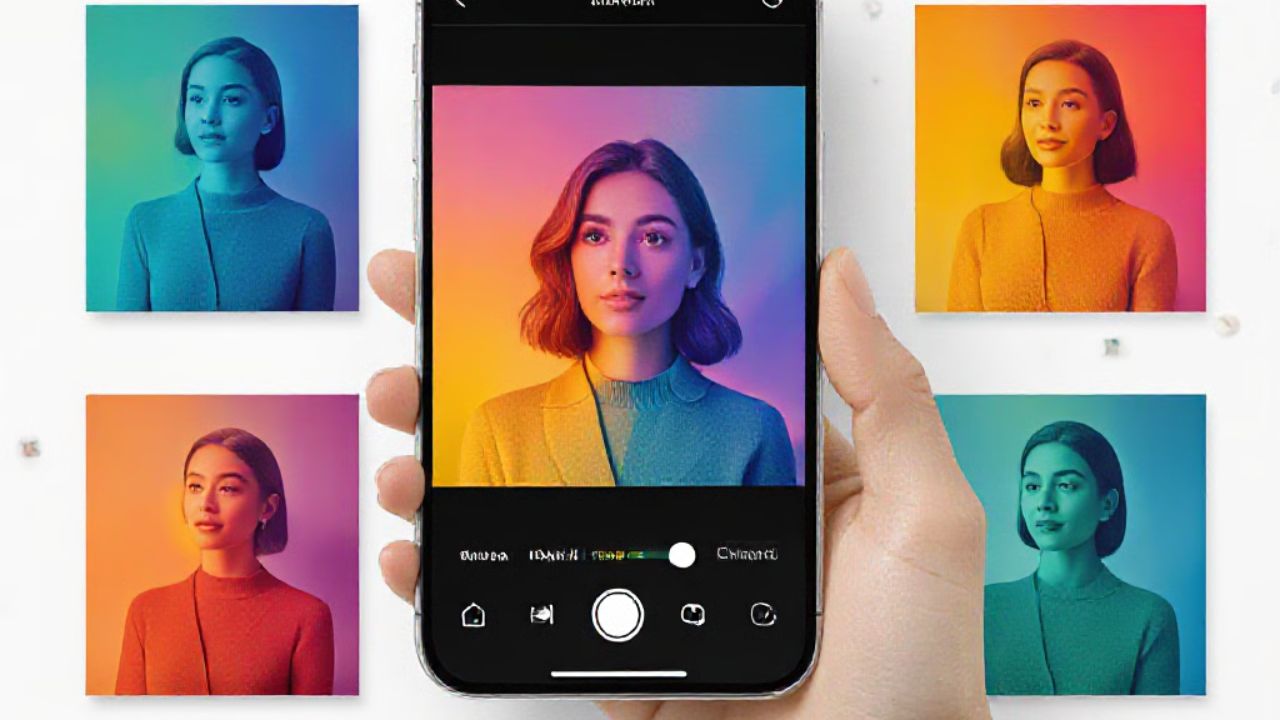
You need faster, smarter photo editing for 2026. This guide reveals the top free and paid AI photo editors and how 92% of professionals leverage them to save time.
Revolutionizing Photography: The AI Editing Landscape in 2026
Artificial intelligence transformed photo editing in 2026. Currently, 92% of professional photographers integrate AI tools into their workflows, automating tasks like exposure, contrast, and color balance adjustments that once demanded hours of manual effort.
AI adoption dramatically speeds up editing, freeing photographers to focus on creative aspects over tedious adjustments. This marks a major shift from traditional editing methods.
Top Free AI Photo Editors for Quick Enhancements
For users who want to quickly improve images without mastering complex software, several free AI photo editors offer powerful features. These tools enhance details, alter appearances, and change backgrounds with minimal input.
Fotor: Your Go-To for Instant Polish
Fotor is an excellent free option for rapid enhancements. It proves useful for quick makeovers, outfit changes, and digital makeup adjustments.
Adobe Express: Accessible Edits with Limits
Adobe Express also offers accessible AI-powered edits. However, free users face a 25 monthly credit limit for its generative features.
Navigating Free Tool Limitations
Common challenges with free AI photo editors include watermarks on exported images or restrictions on high-resolution output. Many users abandon web-based editors if image generation exceeds 10 seconds, highlighting the need for efficient processing.
Professional Workflows: Paid AI Tools for Advanced Editing
Professionals and serious hobbyists needing robust editing capabilities and batch processing find solutions in paid AI tools. These platforms prioritize efficiency and precision, handling large image volumes quickly.
Imagen: The Gold Standard for Batch Processing
For editing large batches of photos, Imagen serves as the professional benchmark. It processes 1,000 photos in under 10 minutes, a significant time saving over manual methods.
Speed is Key: Meeting User Expectations in 2026
User experience hinges on speed. Research shows 80% of users abandon an editor if generation takes longer than 10 seconds, underscoring rapid processing’s critical role.
Beyond Automated Edits: Human Expertise Meets AI
Services combining human expertise with AI tools offer professional results for those who prefer not to edit themselves. These options balance cost-effectiveness with high-quality output.
Platforms like Fiverr connect you with human experts who use AI technology for polished edits. Services start at an accessible $5 per edit, providing a solution for professional image refinement.
Background
AI photo editing uses artificial intelligence algorithms to automate and enhance image manipulation. These tools analyze image content for upscaling, background removal, object generation, and overall image correction.
AI’s evolution in photography moved from basic automated adjustments to sophisticated generative capabilities. This technology empowers users to achieve professional results quickly, even without extensive technical expertise.
Frequently Asked Questions
What are the best free AI photo editors available in 2026?
Fotor excels at quick enhancements, outfit changes, and makeup adjustments. Adobe Express is another strong free option, but it limits users to 25 monthly credits for its features.
How can I quickly improve my photos without mastering complex software like Photoshop?
Free AI editors like Fotor and Adobe Express provide user-friendly interfaces for rapid improvements. For advanced results without extensive learning, consider services like Fiverr, where human experts use AI tools to edit photos starting at $5 per edit.
Which AI tools offer the best balance of features and cost for professional editing?
For batch processing, Imagen is the professional benchmark, editing 1,000 photos in under 10 minutes. Services like Fiverr offer human-led AI editing for $5 per edit, providing a cost-effective solution for professional quality.
What are the limitations of free AI photo editing tools?
Many free AI photo editors apply watermarks to exports or restrict high-resolution output. Some web-based tools are slow, with 80% of users leaving if generation exceeds 10 seconds.
How do AI editors actually speed up the photo editing workflow?
AI editors instantly automate tasks like exposure, contrast, and color balance calibration, which traditionally take hours. This automation enables professionals to handle larger image volumes efficiently. For example, Imagen edits 1,000 photos in under 10 minutes.


